
Mathify is now officially available as a connector inside Claude: https://claude.ai/directory/connectors/mathify
You can ask Claude to create an animated explanation of a mathematical, scientific, or technical concept, and Claude can send the request directly to Mathify without requiring you to interrupt the conversation or manually rebuild the idea somewhere else.
For example, you can ask:
“Use Mathify to create an animation explaining gradient descent.”
“Create a visual explanation of the Pythagorean theorem.”
“Animate how a Fourier series reconstructs a signal.”
“Show the relationship between position, velocity, and acceleration.”
“Create an animation explaining how a neural network learns.”
Mathify then generates the animation and presents an interactive interface directly inside Claude.
What Is Mathify?
Mathify is an AI-powered animation engine for mathematics, physics, machine learning, and other technical subjects.
You describe the concept you want to visualize using natural language. Mathify turns that request into a programmable animation, allowing you to explain ideas through movement, formulas, graphs, diagrams, geometric constructions, and step-by-step transformations.
Instead of manually writing animation code, positioning every object, and coordinating every transition, you can begin with a prompt.
Mathify is especially useful for:
Educators creating visual lessons
Students trying to understand difficult concepts
Researchers communicating technical ideas
Content creators producing educational videos
Developers building applications that require generated animations
Teams translating technical content into multiple languages
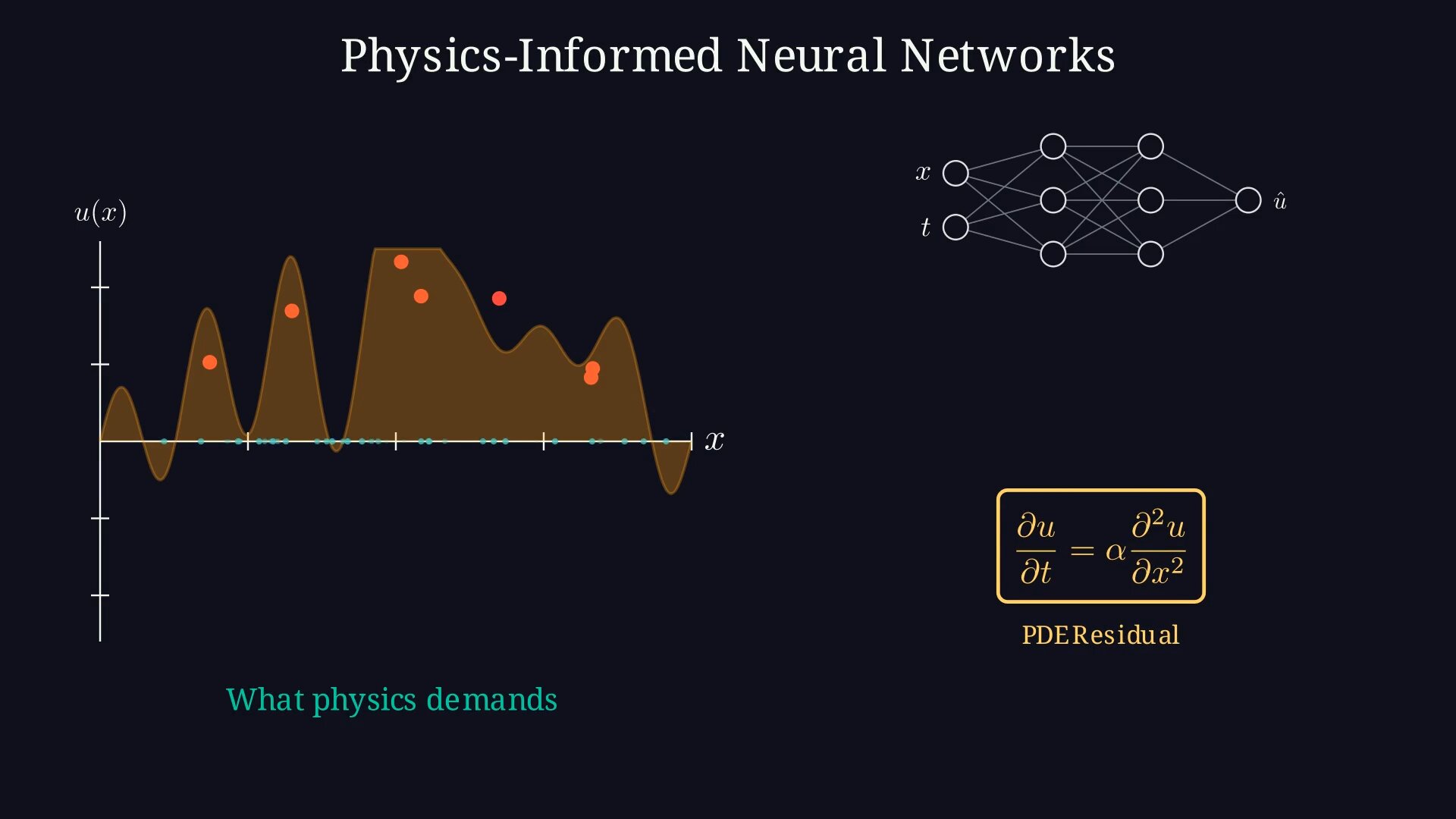
Mathify Now Works Directly Inside Claude
The Claude integration makes the process more conversational.
You can begin by discussing a concept with Claude and then ask it to turn that explanation into an animation using Mathify.
Claude understands when the Mathify connector is needed, sends the animation request, and displays the Mathify interface inside the conversation while the project is being generated.
Once the animation is ready, you can open the full project on Mathify.dev to continue working on it.
This means the conversation does not have to end when you move from explanation to visualization.
You can move naturally from:
Asking a question
Exploring the concept
Creating the animation
Revising the result
Opening the complete project in Mathify

Mathify Now Works Directly Inside Claude— https://claude.ai/directory/connectors/mathify
Translate the Same Animation into Other Languages
You can also ask Claude to translate an existing Mathify animation.
For example:
Translate the same animation into Spanish.
Or:
Create a Chinese version of this animation.
Claude can send the updated request to Mathify while preserving the original concept and adapting the content for another language.
This can be useful for educators, international organizations, multilingual creators, and anyone trying to make technical education more accessible to a broader audience.

An Interactive App, Not Just a Link
The Mathify connector does more than return a basic API response.
Mathify runs as an interactive app inside Claude. You can see the generation state, access the resulting project, and continue the workflow without losing the context of your conversation.
The same project can then be opened in the complete Mathify web application, where additional tools and editing options are available.
The goal is to make technical animation feel less like a specialized production process and more like a natural extension of explaining an idea.

Mathify for Claude is an Interactive App, Not Just a Link— https://claude.ai/directory/connectors/mathify
How to Connect Mathify to Claude
To start using Mathify inside Claude:
Open Claude.
Go to Settings.
Select Connectors.
Click Browse Connectors.
Search for Mathify.
Click Connect and follow the setup instructions.
Once connected, ask Claude to use Mathify whenever you want to turn a technical concept into an animation.
Mathify is also appearing among the trending connectors in Claude’s connector directory.

How to Connect Mathify to Claude— https://claude.ai/directory/connectors/mathify
What Should You Create First?
Try asking Claude to use Mathify for a concept that is difficult to communicate with text alone.
Some ideas:
How derivatives represent rates of change
Why matrix multiplication transforms space
How backpropagation updates a neural network
How planetary orbits emerge from gravitational forces
How complex numbers rotate points
How sorting algorithms rearrange data
How electromagnetic waves propagate
How probability distributions change as parameters vary
The best subjects are often the ones where movement reveals something that a static diagram cannot.
Try Mathify
Mathify is available through Claude’s connector directory and through the full web application at:
Connect Mathify to Claude, describe the concept you want to visualize, and create your first animation.
